
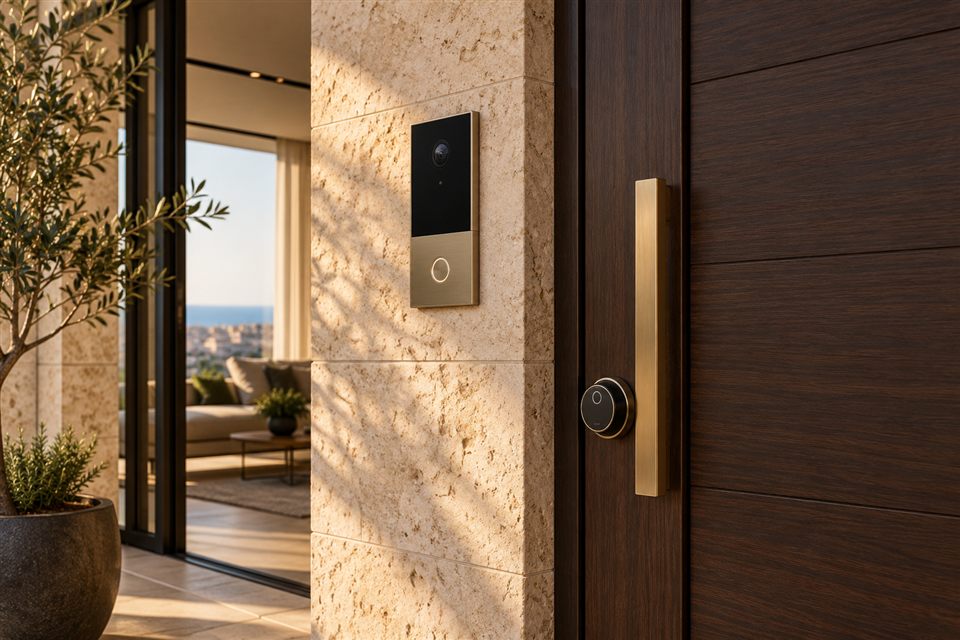
Make arrivals easier
A video intercom connects the entrance to the people inside. It can help with visitors, deliveries and a pedestrian gate, whether you prefer an indoor screen, a phone app or both. Wardnest helps define the entrance setup around the way your household or business actually uses it.
Scope of the setup
The conversation covers the outdoor unit, viewing and calling options, power, connection and compatible door or gate release. A shared building intercom needs a compatibility check before replacing or adding anything.
- An indoor monitor, phone answering or a combination.
- Call routing to family members or staff.
- Existing cabling, power supply and network reach.
- Door release hardware and a practical fallback entry method.
A good fit for the entrance
A private gate, an apartment door and a shared lobby have different requirements. Check the mounting position, weather exposure, visitor visibility and the distance to the network. A phone alert also depends on app permissions and connectivity.
What we need from you
Describe the door or gate, the current intercom if there is one and who should receive calls. Give the model or a description of the existing screen and entrance panel. Confirm whether the entrance is private or shared.
Discuss your entry setup
Send an inquiry with the property, city and preferred way to answer. Wardnest will use that information to discuss compatibility, the required site checks and the scope before you choose equipment.
Read the guide: Questions to ask before choosing a video intercom →