
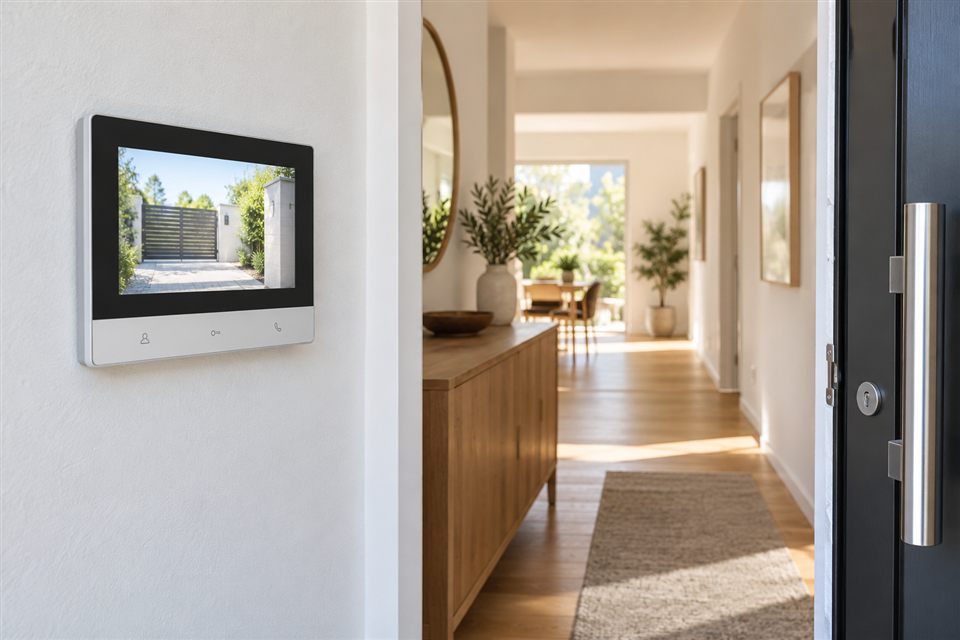
Start at the entrance
Identify whether the entrance is a private door, pedestrian gate or shared building lobby. List what happens when a visitor arrives: who should hear the call, where they answer and whether remote door release is needed. A screen alone does not define the whole system. The entrance unit, wiring, power, release hardware and answering devices all need to work together.
Check an existing system before replacing it
For a shared intercom, note the manufacturer and exact model of the entrance panel and indoor unit. An apparently similar replacement screen may use a different bus or signalling method. Avoid buying an individual unit before confirming compatibility and the building’s requirements. In a private property, document what cabling and power are already available so the new scope can be based on the actual site.
Decide how people answer
An indoor screen can suit someone who prefers a fixed control. A phone app can be convenient away from the entrance, but alerts depend on connectivity, phone settings and the device’s features. If several people should answer, ask how users are added, how simultaneous calls behave and who owns the account. Make sure the everyday users understand which device rings and how the visitor is admitted.
Door release needs its own check
Opening a door or gate is a hardware function with safety and power requirements. Confirm the lock type, available supply and the equipment’s supported output. Plan a practical entry and exit method during an outage. Do not assume a remote unlock function will be compatible with the existing lock simply because it appears in an app.
Questions for your brief
Answer as many of these as you can before comparing equipment.
- Is the entrance private or shared?
- What is the exact model of the present intercom?
- Is wiring available between the entrance and indoor screen?
- Do you want a fixed monitor, phone answering or both?
- How many people should receive visitor calls?
- Is door release needed, and which lock is fitted?
- What should remain usable without internet or power?
Describe a typical visit
An example brief might say: “A house with a pedestrian gate; two people should answer on phones, with an indoor screen for a family member.” Include the city, current equipment and release requirements. This gives Wardnest a useful basis for discussing compatibility and the scope.