
Get more from equipment you already own
A camera can be powered on yet still miss notifications or fail to connect to a new router. Wardnest offers a way to discuss remote setup and troubleshooting for supported security and smart home equipment. Remote work is useful when the hardware is accessible and the issue is in the account, app or network settings.
What remote support can cover
Compatibility and the support scope are confirmed from the model and symptoms. Some issues need physical inspection, wiring or hardware replacement and cannot be resolved remotely.
- Connecting a supported device to the intended home network.
- App permissions, notification zones and viewing settings.
- Adding household users through the manufacturer’s sharing tools.
- Router changes, reconnection and basic troubleshooting.
What you need at the property
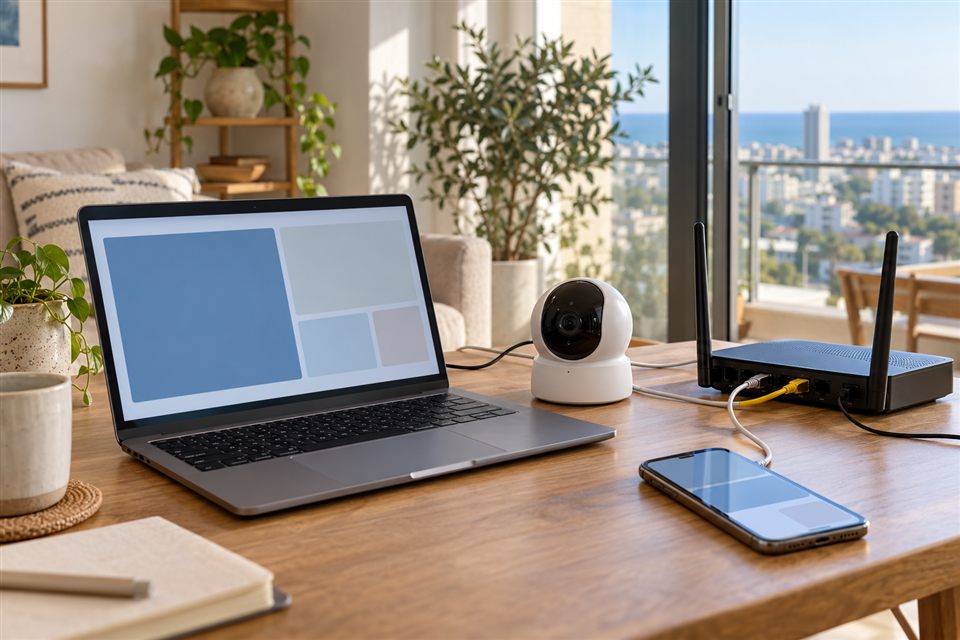
Have the device, phone and router accessible, with a stable connection and someone able to follow the steps. Use the account owner’s authorised access. Keep passwords and verification codes private; the inquiry form does not need them.
Describe the symptom
Give the model, app name, phone type and what happens when you try the task. Include whether it worked before, what recently changed and any error message with personal details removed.
Request a support conversation
Choose Remote setup & support in the form and describe the equipment. We can then discuss whether remote assistance is suitable and agree the session scope and arrangements.