
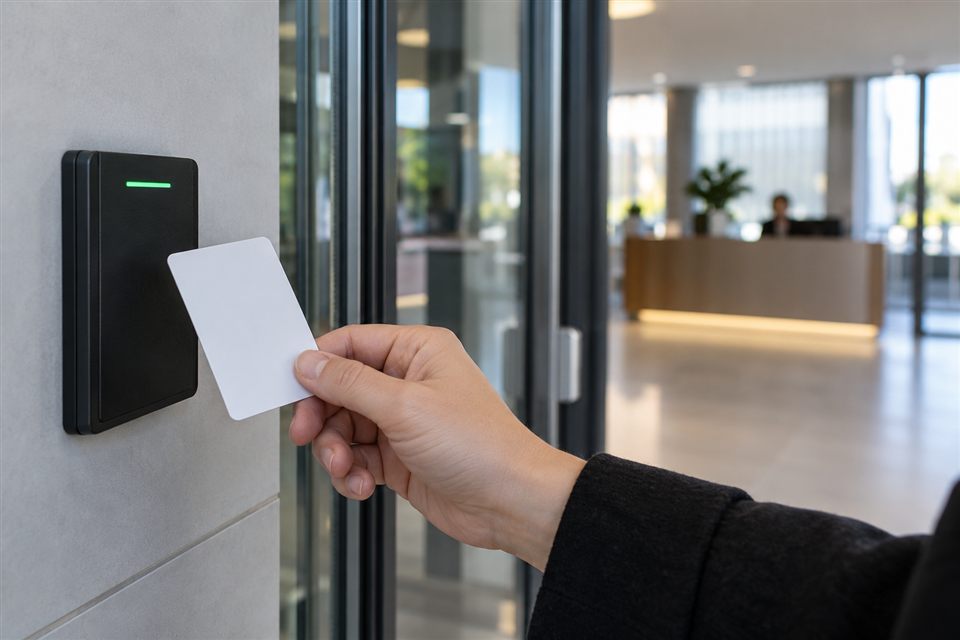
One shared code makes changes difficult
When everyone uses the same code, removing one person’s access can mean changing it for the whole team. Individual cards, codes or accounts can make permissions easier to revoke where the equipment supports them. Begin with a list of roles and entry needs rather than a single credential distributed to every user.
Assign an owner
Decide who can add users, change schedules and review relevant access history. The system owner should be clear, and administrator access should be limited to people who need it. Keep a separate everyday permission for normal entry if the product supports that separation. Record how ownership can be recovered when a phone is lost or a responsible employee changes.
A small office example
Consider an office with regular staff, an occasional cleaner and a delivery entrance. Staff may need ordinary workday entry; the cleaner may need a restricted schedule; deliveries may be answered by the receptionist. The example does not decide the hardware. Door operation, safe exit, connectivity and fallback access must still be assessed before those permissions are implemented.
Use a joiner-and-leaver checklist
Make access changes part of the normal staff process.
- Create an individual permission with only the necessary doors and times.
- Test it with the user and explain backup entry.
- Record who is responsible for managing that permission.
- Review access when a role or schedule changes.
- Revoke access promptly when it is no longer authorised.
- Remove the user from related intercom and camera apps if relevant.
- Check that a lost card or phone no longer grants access.
Think through the fallback
An app or electronic lock may depend on a battery, network, controller or power supply. Determine how authorised people enter during a fault and how everyone exits safely. Keep recovery information under controlled access. Do not place door codes or administrator passwords in a general project inquiry, a shared spreadsheet or a message sent to a large group.
What to tell Wardnest
Describe the door, current lock, number of users and whether schedules or temporary entry are needed. Include the city and the present access method. This supports a conversation about suitable hardware and permission management without collecting credentials.