
Separate viewing from recording
Viewing a live camera on a phone does not establish where footage is stored. A device may stream through an app while recording to a memory card, a local recorder, a cloud service or a combination. Ask separately about live access, event history and how a clip is retrieved. Confirm the exact model and plan, because features can differ within the same product family.
What local recording means
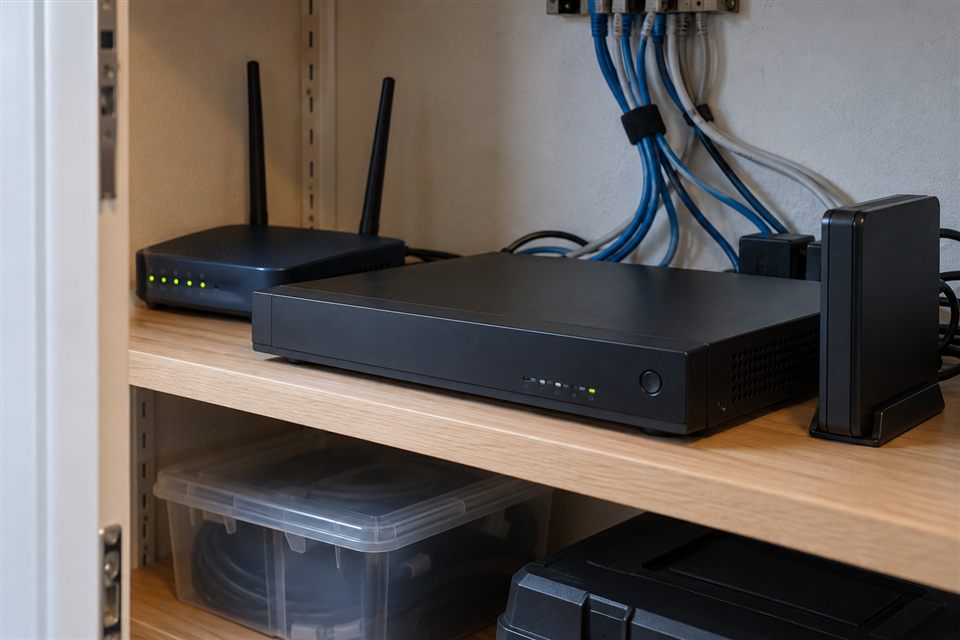
Local footage remains on equipment at the property, such as a card or network recorder. The available history depends on capacity, image settings, number of cameras and the recording mode. Local operation may continue without internet if power and the local connections remain available. Physical damage, equipment failure or theft can affect that copy, so recorder placement and any backup requirements need consideration.
What cloud storage adds
Cloud recording stores supported footage with a service provider. It may offer off-site history and easier remote retrieval, but relies on the product’s plan, upload connection and provider features. Check the subscription terms and what is actually stored: events, continuous footage or only selected clips. Confirm what happens if the subscription ends and whether useful operation remains possible without it.
Try an outage scenario
Imagine the internet stops while a camera still has power. Ask whether local recording continues, whether notifications stop and when remote access returns. Next imagine a power interruption: internet access alone cannot keep an unpowered camera recording. If continuity matters, discuss suitable backup power and its limits. Write the expected behaviour down instead of relying on a broad claim that the system works offline.
Comparison checklist
Use the same questions for every proposed setup.
- Where is the recording stored, and who controls access?
- Is it continuous recording or events only?
- How is the available history calculated?
- What subscription or renewal costs apply?
- Can you export a useful clip without a proprietary account problem?
- What happens during internet and power outages?
- How are the recorder and accounts protected?
Choose around the property
For a home, simple event access may be the main priority. A small business may need defined review permissions and a more deliberate recording process. Include those requirements in your inquiry rather than selecting storage only by the headline capacity. Wardnest can discuss recording choices alongside coverage and connection.